The agent's names, folders and services
The service, folders, programs and package names of the Tenvara Agent on Windows and Linux, what an update moves by itself, and what you need to change in exclusions, detection rules and deployment scripts.
On Windows and Linux the agent is called Tenvara Agent everywhere an administrator can see it: the service, the folders, the programs, the packages and the registry key. This guide lists those names, explains what happens to a device that was installed under earlier names, and says what you have to change yourself.
Note: This guide is about Windows and Linux. The macOS agent keeps the names it has always had, so nothing here applies to your Macs and nothing needs changing for them.
Windows
| What | Name |
|---|---|
| Service | TenvaraAgent, shown as "Tenvara Agent" or your brand's agent name |
| Programs | C:\Program Files\Tenvara\Agent |
| Identity, keys, settings, queues and logs | C:\ProgramData\Tenvara\Agent |
| Executables | tenvara-agent.exe, tenvara-updater.exe, tenvara-rc.exe, tenvara-tray.exe, tenvara-backup-helper.exe |
| Registry key | HKLM\SOFTWARE\Tenvara\Agent |
| Packages | tenvara-agent-<version>-x64.msi and tenvara-agent-<version>-arm64.msi |
| Apps and features | "Tenvara Agent", or your brand's name |
| Installer settings | TENVARA_SERVER, TENVARA_TOKEN |
The Lite agent for older Windows has its own: the service TenvaraAgentLite, C:\Program Files\Tenvara\AgentLite, C:\ProgramData\Tenvara\AgentLite and tenvara-agent-lite.exe. See Older Windows and the Lite agent.
Linux
| What | Name |
|---|---|
| Service unit | tenvara-agent.service |
| Package | tenvara-agent (.deb and .rpm) |
| Programs | /opt/tenvara/agent, with the command /usr/bin/tenvara-agent |
| Settings and identity | /etc/tenvara/agent |
| Enrolment file for package installs | /etc/tenvara/agent/enrol.env, holding TENVARA_SERVER= and TENVARA_TOKEN= |
Check the agent with systemctl status tenvara-agent.
What an update moves by itself
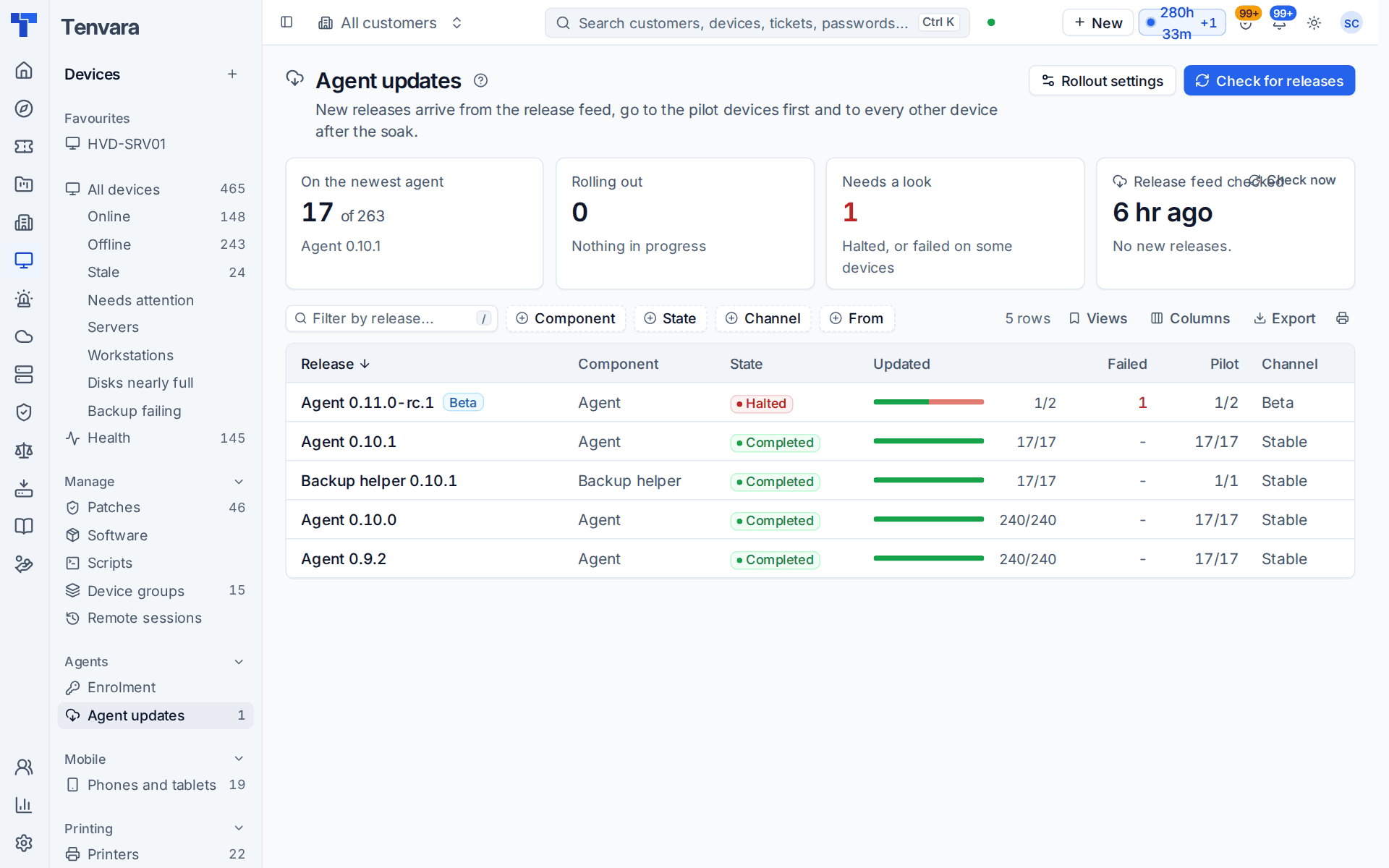
A device installed under the earlier names moves at its next agent update. It makes no difference how the update arrives: a rollout from Devices > Agent updates, the new MSI from Intune or Group Policy, apt or dnf installing the new package, or someone running the installer by hand.
The update does all of this without anyone touching the device:
- Identity. The device's identity and keys move to the new folder, so it is the same device in Tenvara, with its history, and it does not wait for approval again.
- Settings and queued work. Its settings, queued work and logs move with it.
- The uninstall token. Tamper protection stays on and the customer's uninstall token still works.
- The old install. The old service, folders, programs, package and registry key are removed. Nothing is left under the earlier names.
- No false alarms. The stop is treated as an update, so there is no tamper, stopped or removed alert. In the device's software list the agent shows under its new name, not as one program removed and another installed.
On Linux, apt and dnf replace the old package in place.
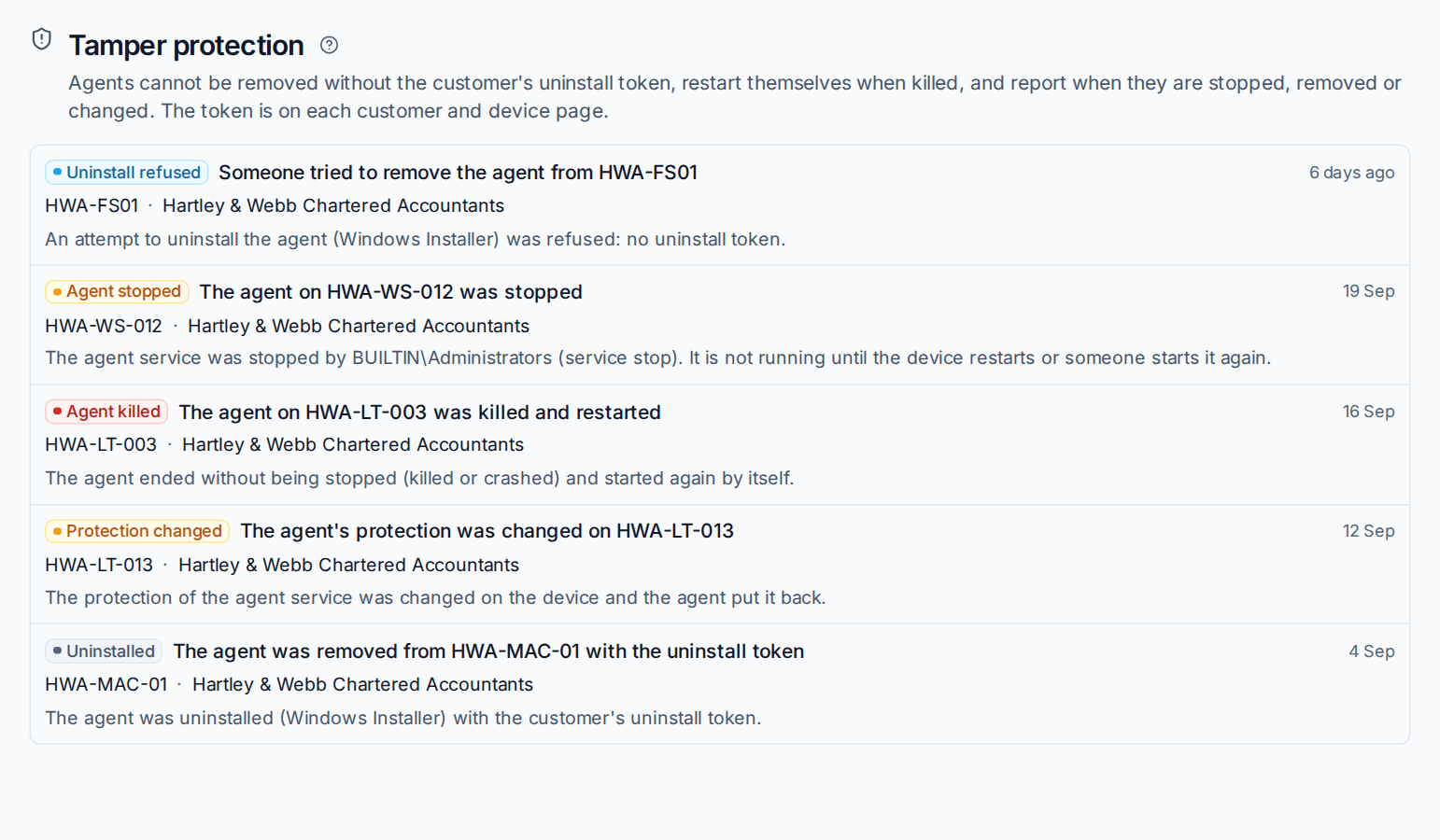
Because the move counts as an update, Security > Tamper protection keeps showing only real events: refused uninstalls, stops, kills and changed settings.
Tip: Roll the update out to a pilot group first, as with any agent release. See Agent updates and release channels.
What you need to change
The update cannot reach into your other tools. Check these once your devices have moved:
- Security software exclusions. Point path exclusions at
C:\Program Files\Tenvara\AgentandC:\ProgramData\Tenvara\Agent(and theAgentLitefolders where you use the Lite agent), and on Linux at/opt/tenvara/agentand/etc/tenvara/agent. Rules that allow the agent by its publisher need no change. See Security software and the agent. - Intune and Group Policy detection. A detection rule that looks for the old folder or file will report the agent missing and install it again. Detect
C:\Program Files\Tenvara\Agent\tenvara-agent.exeor the registry key above. See Deploying the Windows agent with Group Policy or Intune. - Deployment scripts and install commands. The installer settings are
TENVARA_SERVERandTENVARA_TOKEN. A command that still uses an earlier setting name installs the agent without enrolling it, so copy your install commands again from Devices > Enrolment. - Linux automation. Ansible, Salt, Puppet or cloud-init tasks that name the package, the unit or the enrolment file need the new names.
- Monitoring from other tools. Anything outside Tenvara that watches the agent's service or process by name needs the new name.
Remove the exclusions and rules for the earlier paths once every device has updated. The Agent updates page shows how many devices are on each release.
What the agent renames on the device
Things the agent itself made on a device take the new name too, and the update renames what is already there:
| On the device | What happens |
|---|---|
| Printer ports and the marker on printers the agent added | Renamed. The printers keep their names, so people's default printers and settings stay. |
| Web hosting scheduled tasks, site folders and settings | Moved to the new names. |
| The firewall rule for scan to email | Replaced under the new name. |
| Backup checkpoints and snapshots | New ones use the new name, and old ones are cleared at the next backup. |
| The default backup folder for web servers | /var/backups/tenvara-sites on Linux and C:\Backups\tenvara-sites on Windows. Servers on the old default follow it; a folder you chose yourself stays. |
If a step cannot finish, for example because a file is in use, the agent finishes it at its next start.
Related
Was this page helpful?
Thanks for the feedback.